Precision control
over your digital life.
DigitalPulse tracks your application usage, enforces focus boundaries, and surfaces the insights you need to build lasting discipline — all from a lightweight Windows app that stays out of your way.
72+
Active Users
5
Stable Releases
4.9/5
User Rating
< 1%
CPU Usage
The Reality
You're not undisciplined.
Your environment works against you.
Every app on your system competes for attention. Notifications, feeds, and endless scroll are engineered to keep you hooked. Willpower alone isn't a strategy — you need better tools.
73%
of knowledge workers are interrupted multiple times per day
23min
to fully refocus after a single distraction
2.1h
of productive time lost daily to digital noise
How It Works
Three steps to focused work
Install & Launch
Download the installer. The app runs quietly in your system tray within seconds.
Set Your Boundaries
Define which apps to restrict and when. Schedule focus sessions around your workflow.
Track & Improve
Weekly reports reveal your progress. Fewer interruptions, deeper focus, better output.
Features
Built for control and clarity
Every feature is engineered with one goal: helping you stay disciplined without getting in your way.
Real-Time Activity Log
See exactly which applications consume your time, updated live. Know your patterns cold.
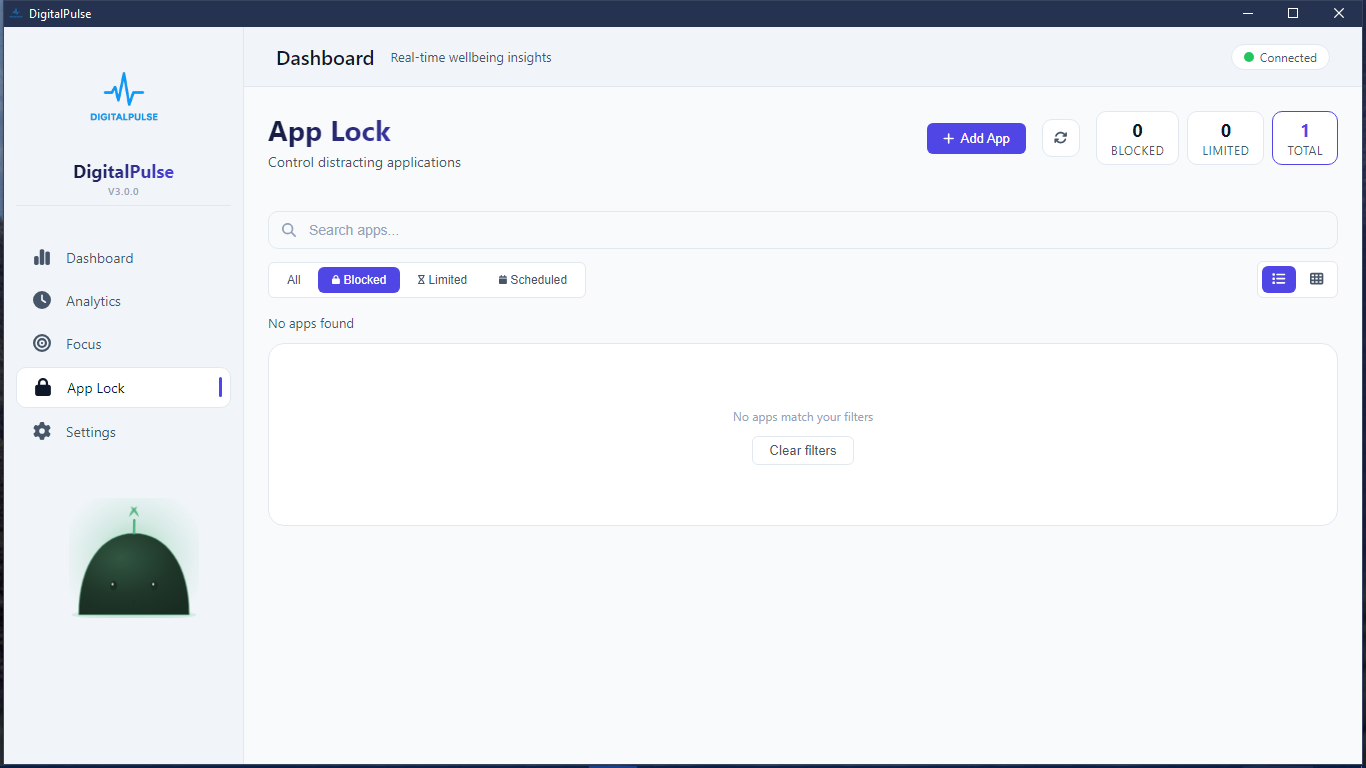
Application Restriction
Block distracting apps during focus sessions. Full control over what's off-limits and when.
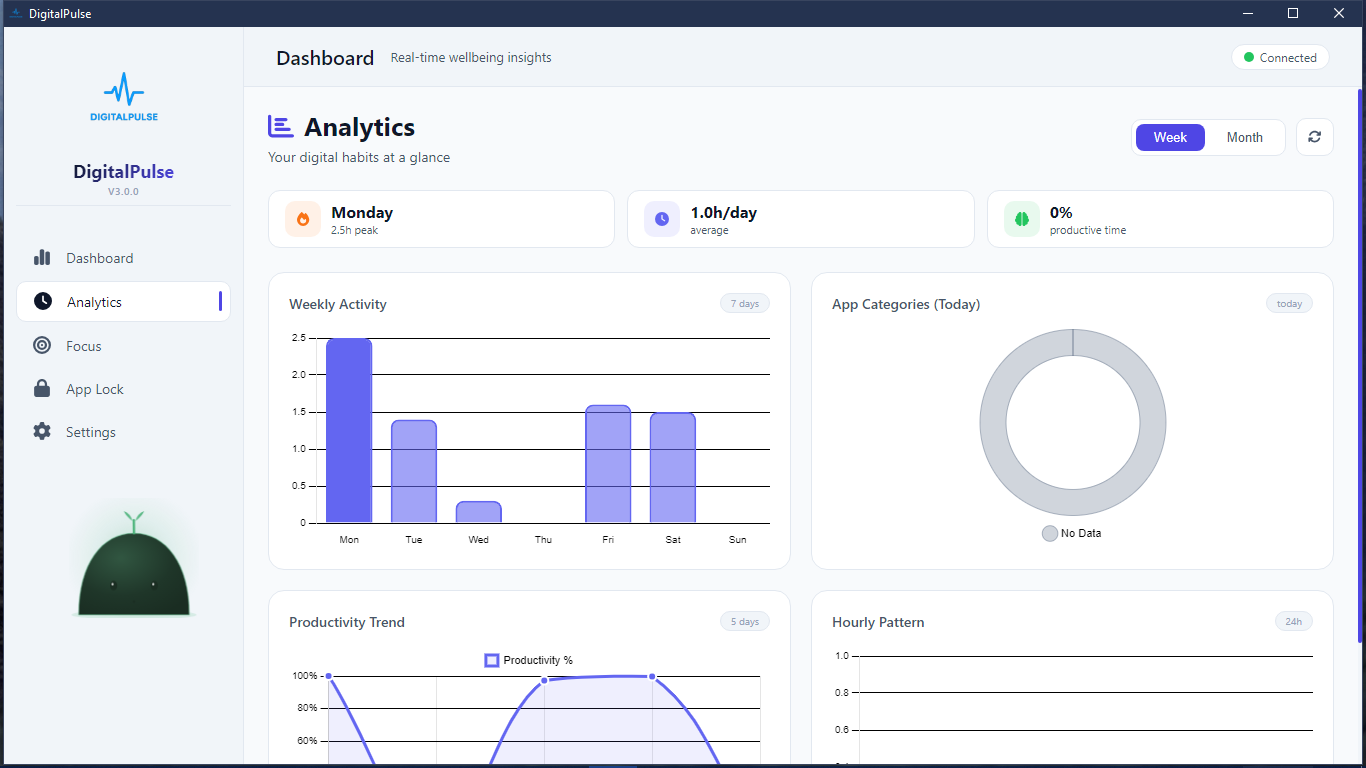
Behavior Analytics
Weekly reports on your habits. Identify trends, celebrate wins, and spot areas to improve.
Focus Scheduling
Automate your restrictions. Set recurring focus blocks that match your natural rhythm.
Minimal Footprint
Runs on less than 1% CPU and under 50MB RAM. You'll forget it's even running.
100% Private
No accounts, no cloud, no telemetry. Your activity data never leaves your machine.
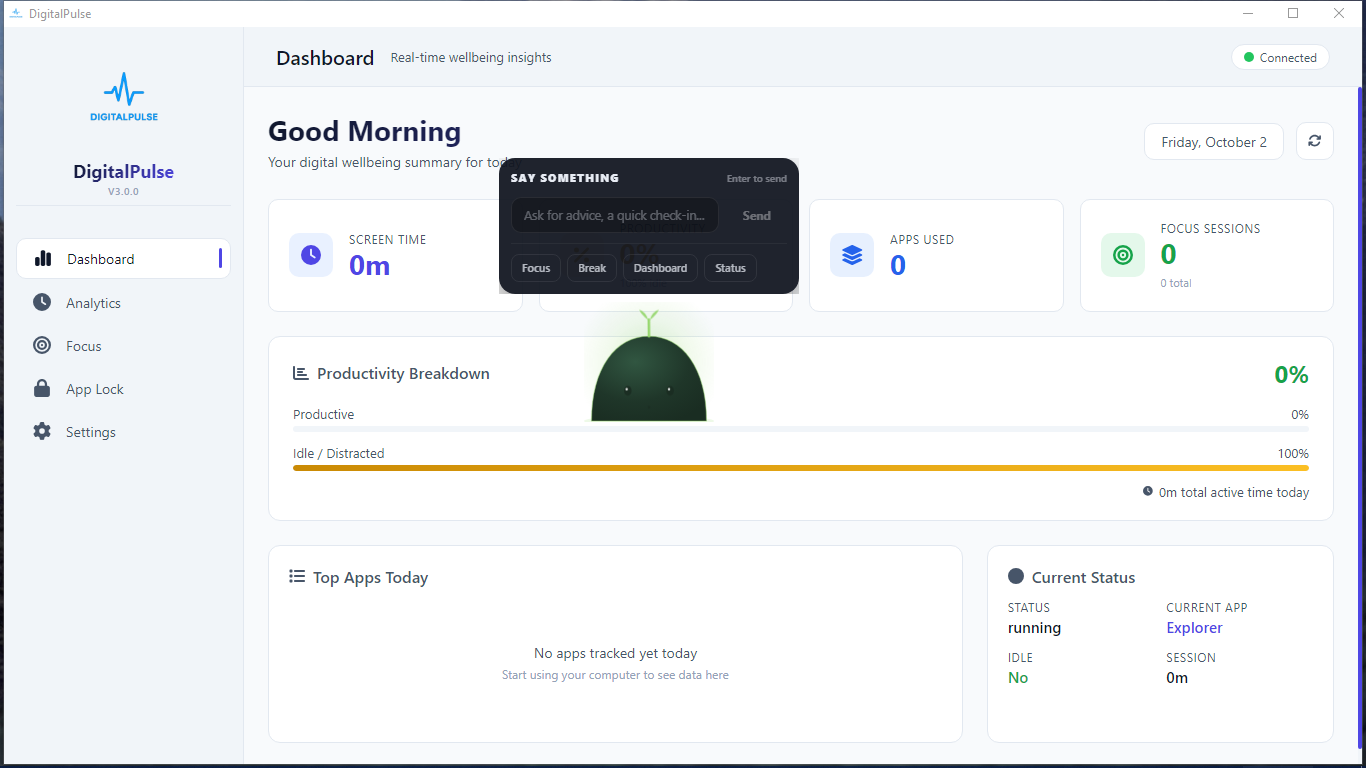
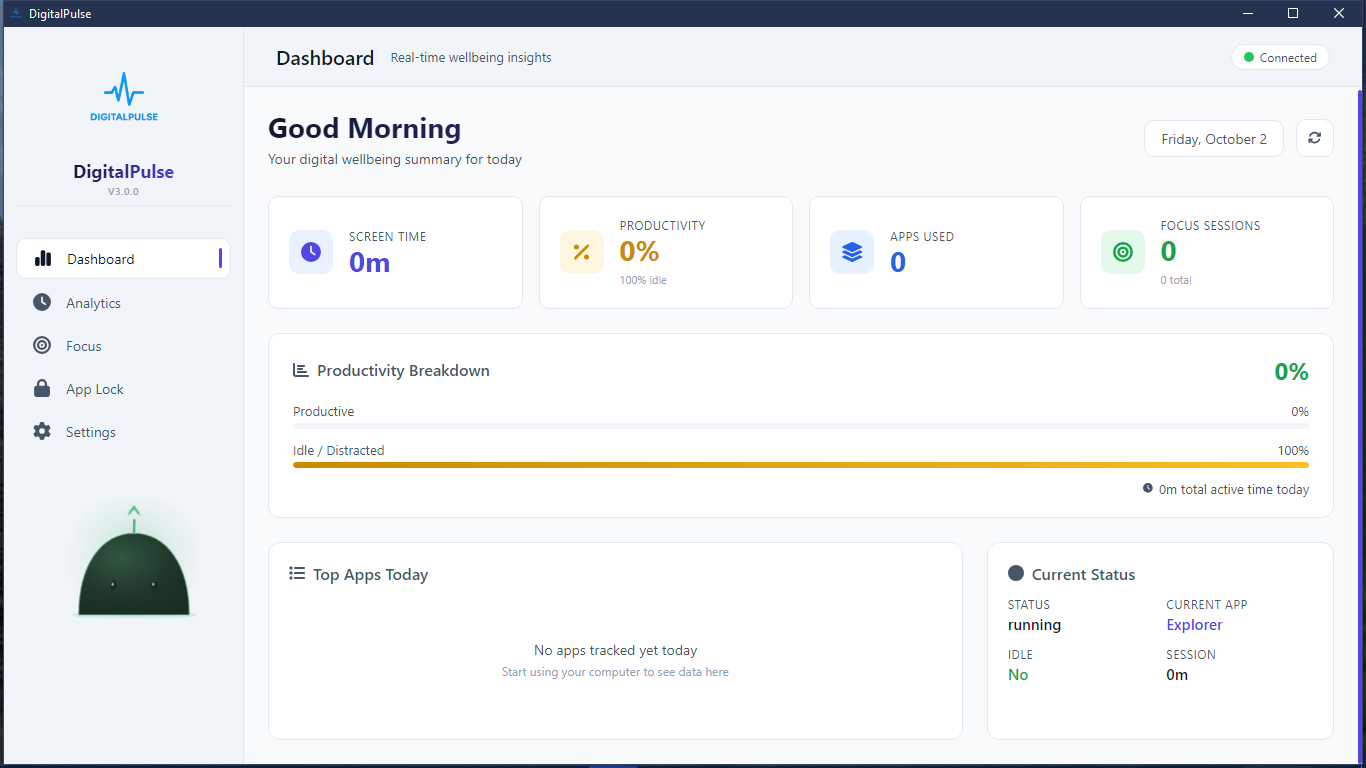
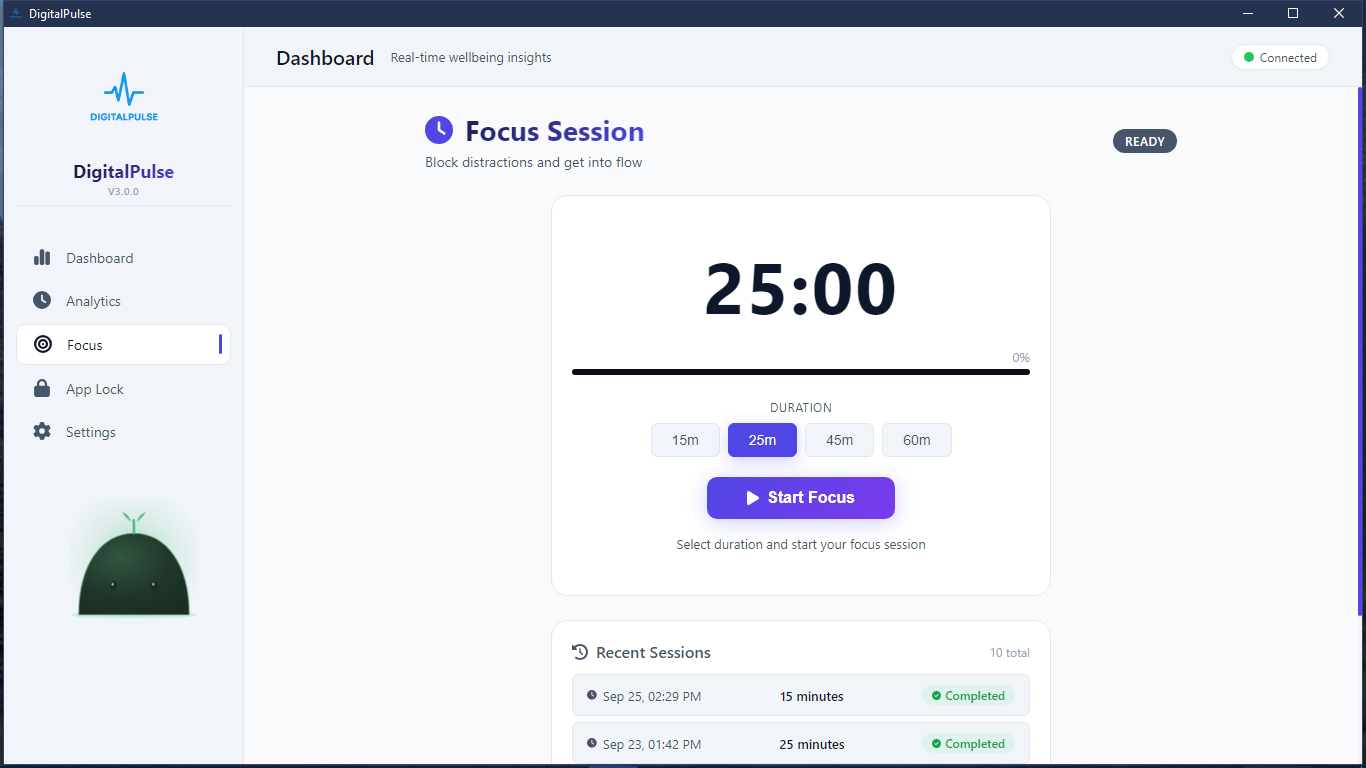
Interface
Clean. Focused. Purpose-built.
Every element serves a purpose. The tool that removes distractions shouldn't be one.
Why DigitalPulse
How we compare
| Feature | DigitalPulse | Other Tools |
|---|---|---|
| Real-time tracking | Native | Sometimes |
| App restrictions | Built-in | Rarely |
| Data privacy | 100% local | Cloud-dependent |
| System impact | < 1% CPU | 2-5% typical |
| Setup time | Under 60 seconds | 5-15 minutes |
Changelog
Release History
Version 3.0.0
Oct. 2, 2026, 8:09 a.m.
Version 2.1.3
Aug. 9, 2026, 10:02 p.m.
Bug fixes and Feature Upgrades. Fixed Updates rate limiting. The Smart Assistant now has a better and more flexible search engine. The Smart Assistant is more locally automated and integrated.
Version 2.1.2
June 30, 2026, 6:39 p.m.
Bug fixes and Feature Upgrades. The Smart Assistant can now open and close Applications, documents, folders and other files. The Smart Assistant is more locally automated and integrated. Fixed Light and Dark theme.
Version 2.1.1
May 24, 2026, 9:51 p.m.
Improved chatbot controls with persistent on/off settings and instant activation changes. Reorganized Settings for better navigation, unified app styling and theme consistency across pages, improved light/dark mode visuals, and fixed UI text, background, and encoding issues throughout the app.
Version 2.1.0
May 14, 2026, 11:47 p.m.
Bug fixes and Feature improvements
Reclaim your focus.
Start today.
No accounts, no cloud dependencies, no complicated setup. Just download and start building better digital habits.
Version 3.0.0 — Windows 10 and 11